Package Overview
SoftSave is a comprehensive offline-first personal finance management solution with React Native mobile app and Laravel backend API.
What's Included
Package Structure
- apps/softsave-app/ - React Native mobile application
- backend/ - Laravel API and admin panel
- website/ - Landing pages and documentation
- documentation/ - Additional technical documentation
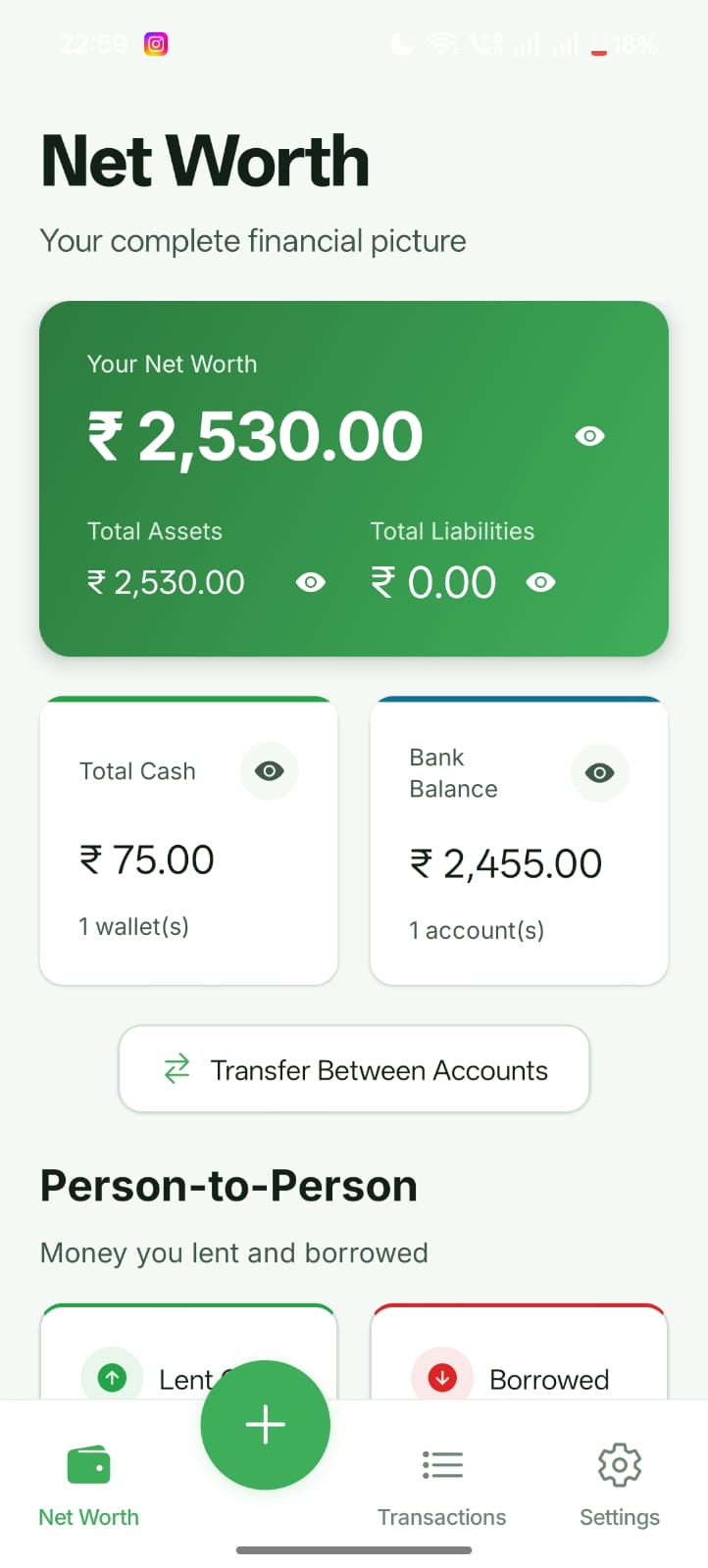
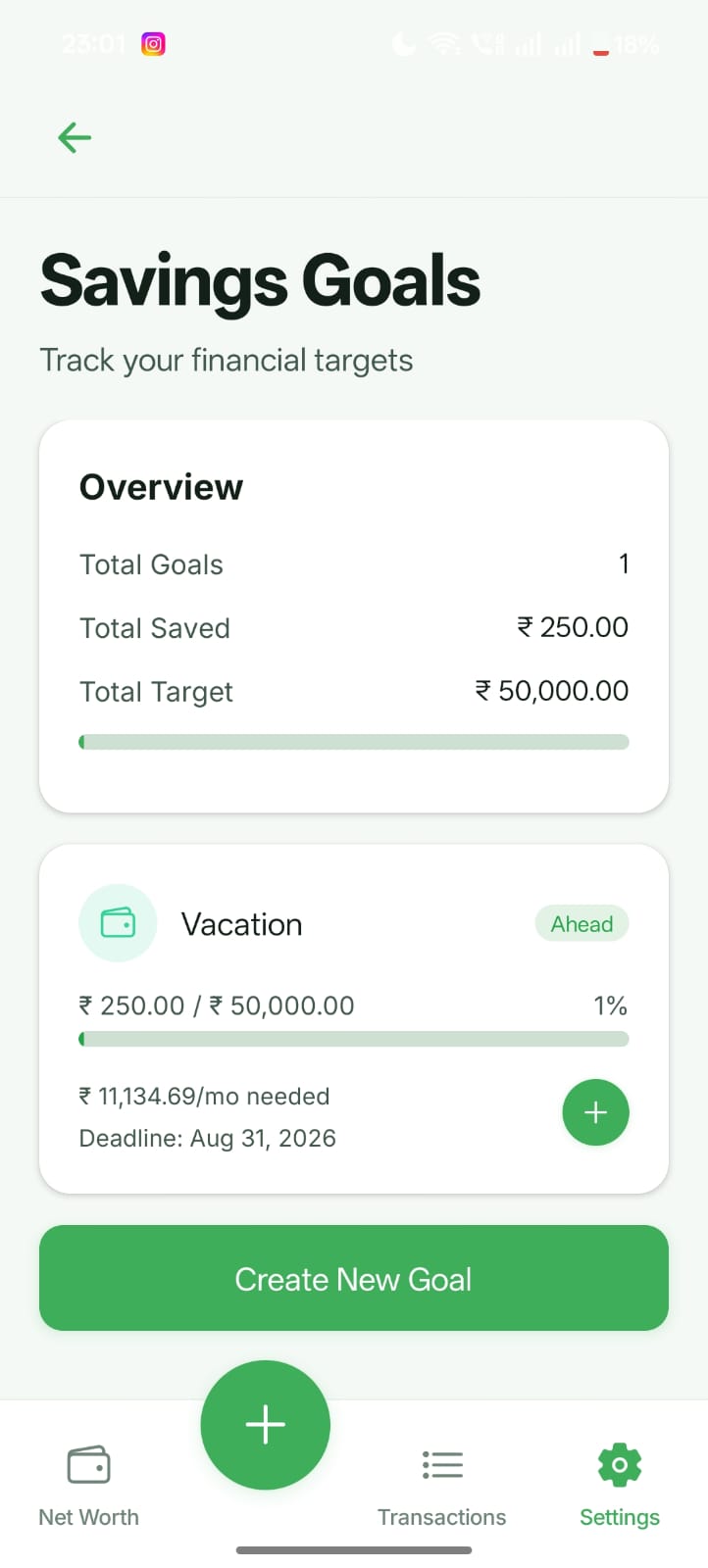
App Screenshots
Preview of the SoftSave mobile application interface and key features.
How to Add Your Screenshots
- Take screenshots from your device (recommended size: 1080x2340 or similar)
- Save images as screenshot-1.jpg, screenshot-2.jpg, etc. in the website/ folder
- The gallery will automatically display them below
- Recommended: 6-8 screenshots showing key features
Key Screens
Home
Home screen with financial overview
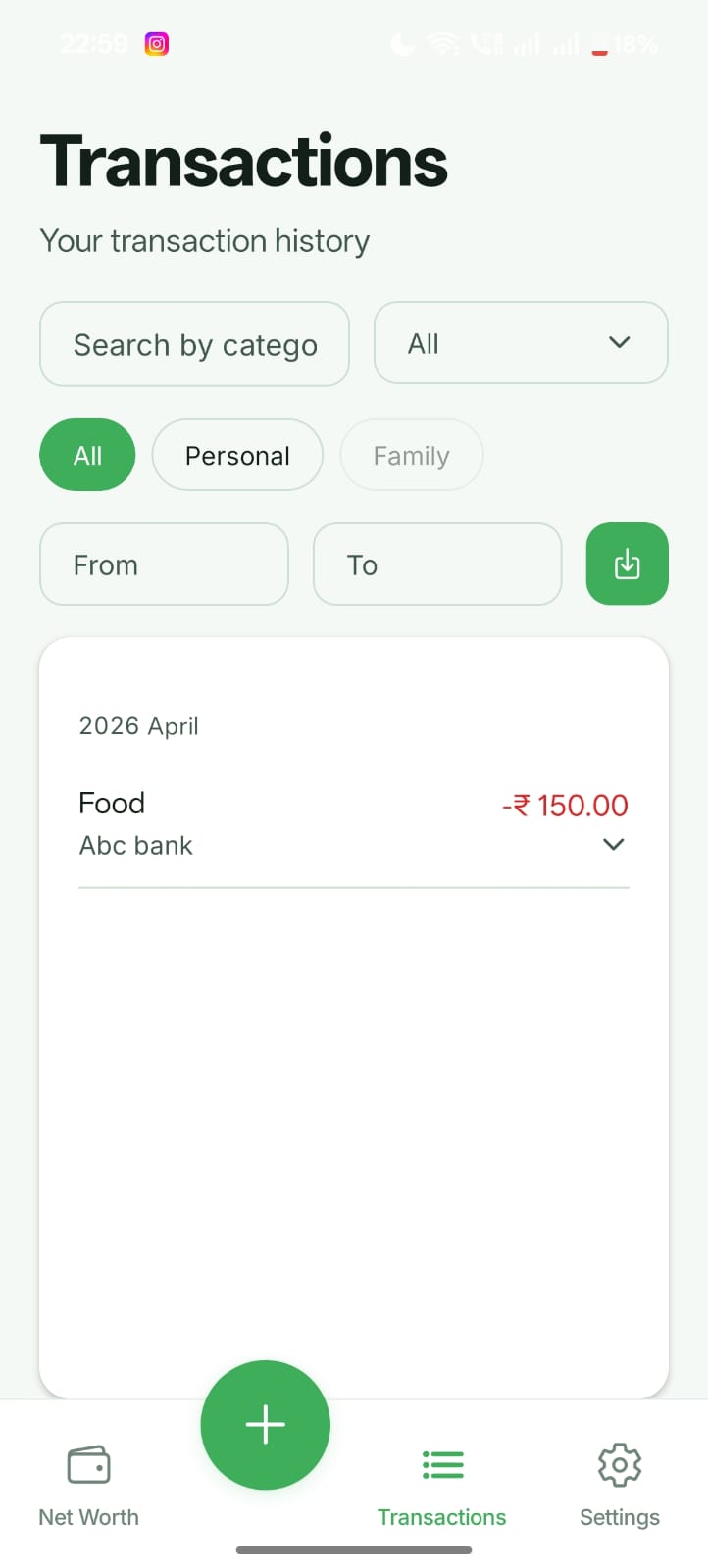
Transactions
Expense and income tracking
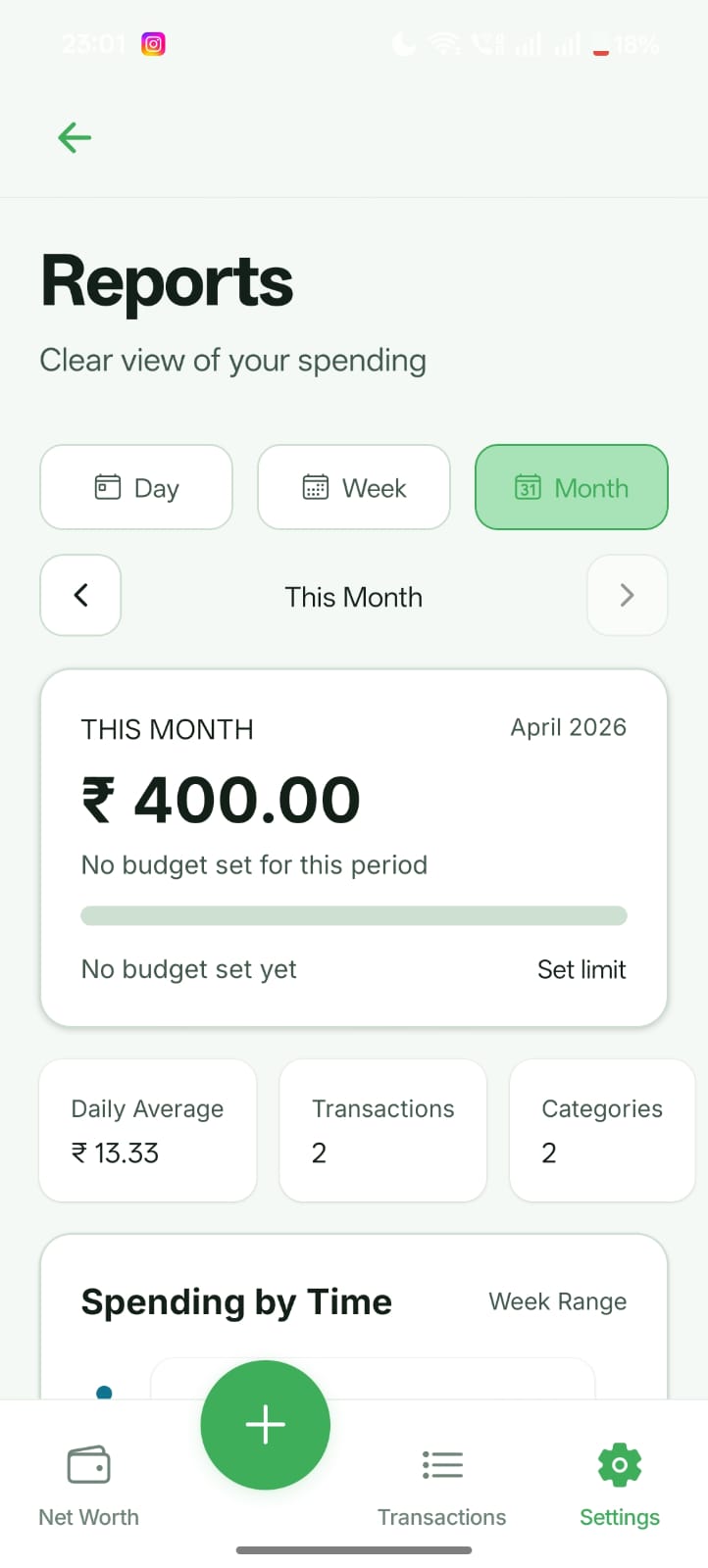
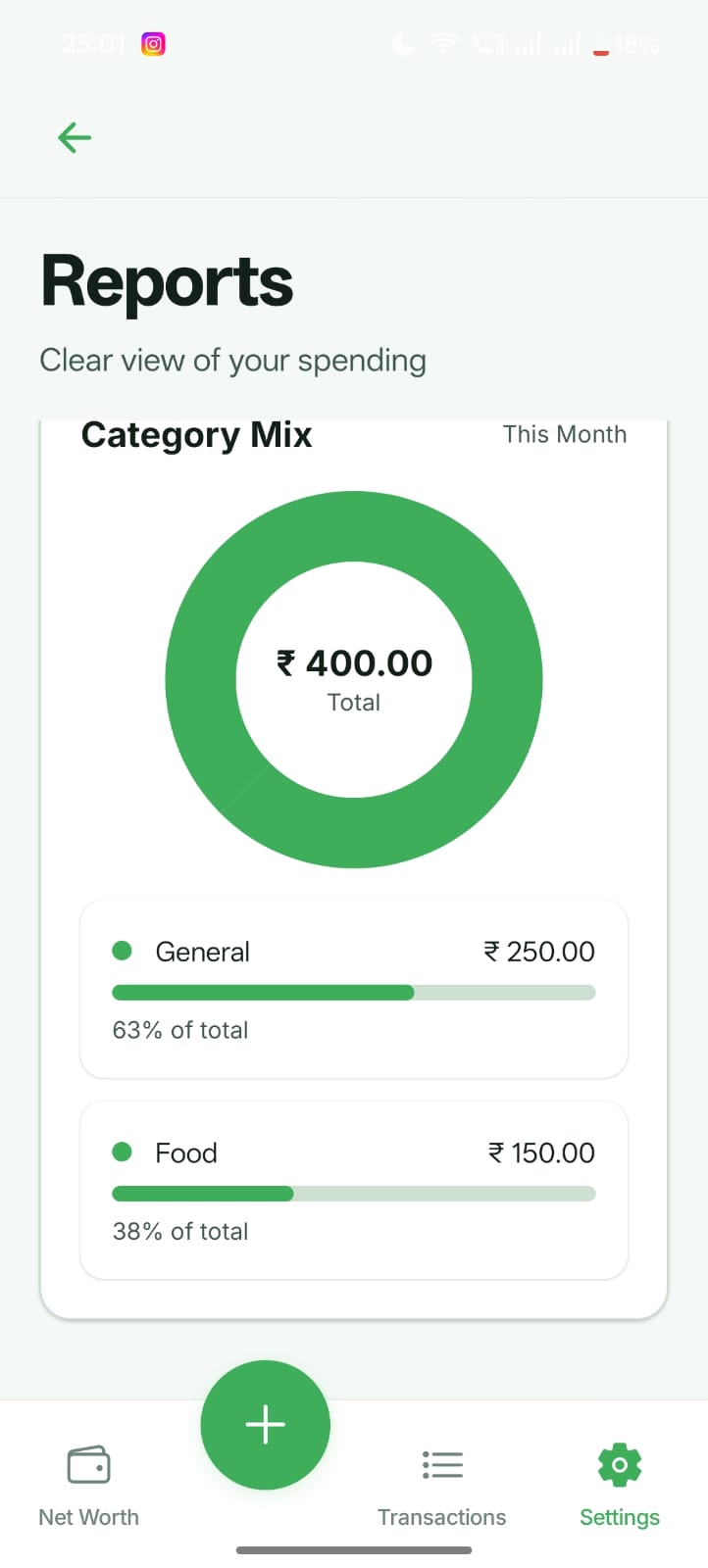
Reports
Financial analytics and charts
Goals
Savings goals and progress
Budgets
Budget management interface
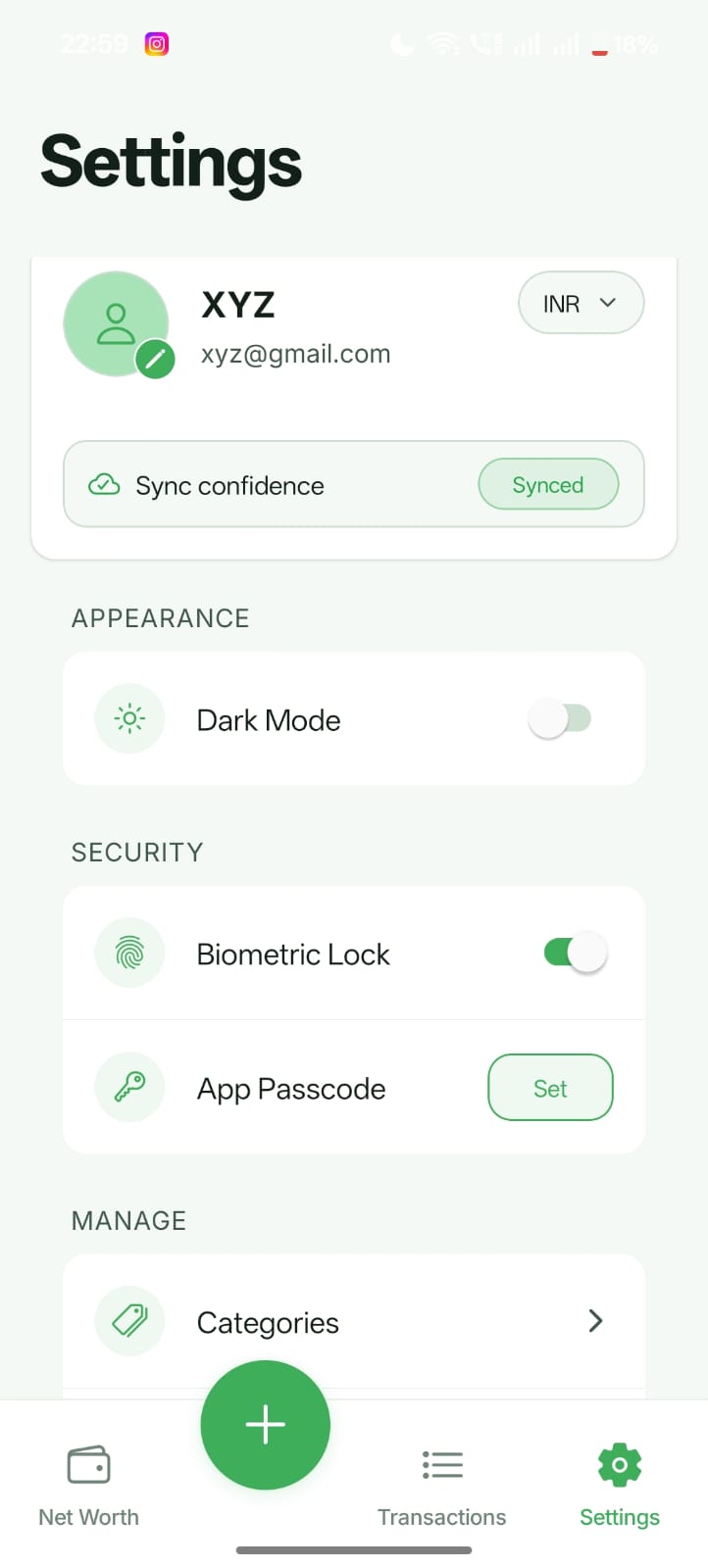
Settings
App configuration and preferences
Demo Video
Short walkthrough of the SoftSave user experience and key flows.
Complete Feature Set
Professional-grade features for comprehensive personal finance management.
Core Features
System Requirements
Prerequisites for development and deployment.
Development Environment
| Component | Requirement |
|---|---|
| Node.js | 18.x or higher |
| npm | 9.x or higher |
| PHP | 8.2 or higher |
| Composer | 2.x |
| MySQL | 8.0 or higher |
Installation Guide
Step-by-step installation instructions for backend and mobile app.
Backend Setup
-
Install Dependencies
bash
cd backend
cp .env.example .env
composer install
php artisan key:generate
-
Configure Database
Update your .env file with database credentials:
envDB_DATABASE=softsave DB_USERNAME=your_username DB_PASSWORD=your_password
-
Run Migrations
bash
php artisan migrate
php artisan storage:link
php artisan serve
Mobile App Setup
-
Install Dependencies
bash
cd apps/softsave-app
cp .env.example .env
npm install
-
Configure API URL
env
EXPO_PUBLIC_API_BASE_URL=http://YOUR_LOCAL_IP:8000
-
Start Development Server
bash
npx expo start
Important
Use your computer's local IP address (not localhost) for the API URL to ensure the mobile app can connect to your backend during development.
Configuration
Customize and configure your installation.
Environment Variables
Backend (.env)
| Variable | Description |
|---|---|
| APP_NAME | Application name |
| APP_URL | Backend base URL |
| DB_* | Database credentials |
Branding Customization
- App Icon: Replace apps/softsave-app/assets/icon.png
- Splash Screen: Replace apps/softsave-app/assets/splash.png
- App Name: Update in app.json
- Theme Colors: Modify src/theme.ts
Building & Deployment
Build production-ready applications and deploy to servers.
Build Android APK
cd apps/softsave-app
npx expo prebuild --platform android
cd android
./gradlew assembleRelease

# Output: android/app/build/outputs/apk/release/app-release.apk
Deploy Backend
Production Checklist
- Set APP_DEBUG=false
- Set APP_ENV=production
- Configure SSL/HTTPS
- Set proper file permissions
- Run migrations with --force
- Configure database backups
API Documentation
RESTful API endpoints and authentication.
Authentication
Register
POST /api/register
Content-Type: application/json

{
  "name": "John Doe",
  "email": "john@example.com",
  "password": "password123",
  "password_confirmation": "password123"
}
Main Endpoints
| Endpoint | Method | Description |
|---|---|---|
| /api/categories | GET, POST | Category management |
| /api/budgets | GET, POST | Budget management |
| /api/expenses | GET, POST | Expense tracking |
| /api/sync/push | POST | Upload local changes |
| /api/sync/pull | GET | Download updates |
Support & Assistance
Get help with installation, configuration, and issues.
Support Includes
How to Get Support
- Check this documentation first
- Ask in CodeCanyon item comments
- Open a support ticket through your CodeCanyon account
- Contact via the support email in your purchase
License Information
Understanding your license and usage rights.
Regular License
- Single end product (one app deployment)
- Modify source code
- Create end product for client
- Free distribution allowed
Extended License
- Everything in Regular License
- Sell to end users
- Multiple deployments
- SaaS application allowed
Restrictions
- Cannot redistribute source code
- Cannot resell on marketplaces
- Cannot share files with others
- Cannot use for competing products
Changelog
Version history and updates.
Version 1.0.0 (Initial Package Release)
Initial Release
- React Native mobile app with Expo SDK 54
- Laravel 12 backend API
- Complete expense tracking system
- Budget management and alerts
- Financial reports and analytics
- Savings goals tracking
- Net worth management
- Recurring transactions
- Receipt photo management
- Biometric authentication
- Dark/Light theme support
- Cloud sync functionality
- Offline-first architecture
- Complete documentation